MINSEOK SONG

AI & Automation Consultant

Specialising in Microsoft-based workflow automation and AI solutions. From corporate training to implementation, I design AI automation for real work.

Microsoft MVP, Co-op Translator maintainer

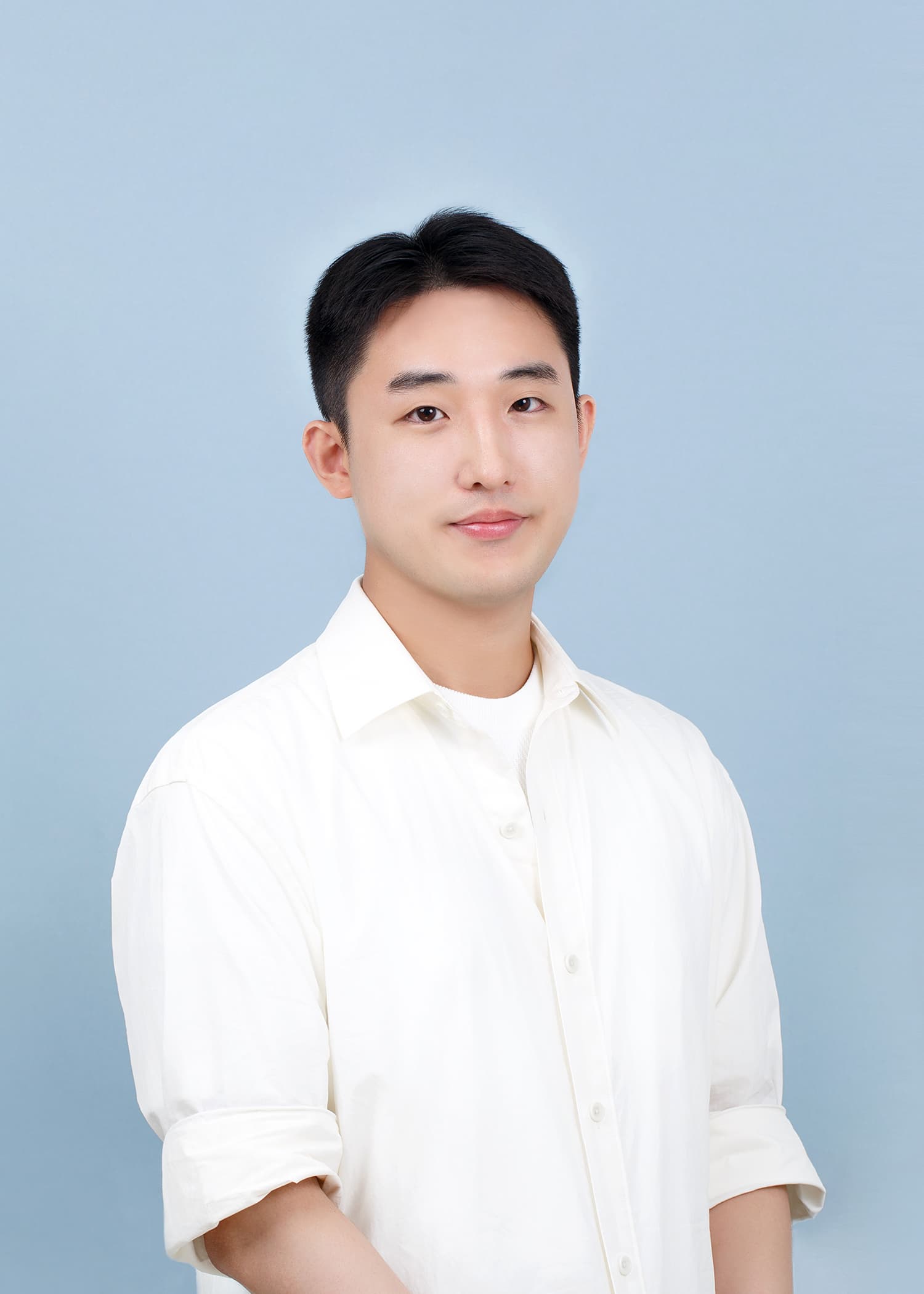
Minseok Song, Microsoft MVP and automation consultant
Minseok Song / 송민석

WORK WITH ME

Build your team’s skills. Or build the workflow together.

Two ways to work with me, depending on what your team needs next.

01 / Power Automate, Power Apps, Azure AI

Corporate training

Help your team use Power Platform and Azure AI through practical exercises shaped around their roles and experience.

Leave with a sample automation or AI application, and a checklist for applying it to real work.

Explore corporate training
02 / Discovery, fixed-scope pilot, and implementation

Automation projects

Start with one recurring process. Map the work, build a small pilot, and decide what it takes to put it into production.

Receive a process map, working prototype, and a recommendation for the next step.

Explore the implementation approach

I deliver implementation projects through Reliable Workflow, my automation practice.

PROGRAMS

Help your team build the skills to do it themselves.

These are example course formats. Scope and duration are agreed around participants’ experience and your working environment.

1 to 2 days (example format)

Power Platform automation

Practise automation with Copilot, Power Automate, and Power Apps.

Who it’s for
Business teams working with repetitive tasks
What you’ll create
An automation flow or app for a sample business task
Explore the curriculum: Power Platform automation
  • Map a task and define the automation scope
  • Hands-on use of Copilot, Power Automate, and Power Apps
  • Check results and troubleshoot failures
Enquire about this course

Half a day to 2 days (example format)

Building Azure AI solutions

Build a small AI application with Azure AI.

Who it’s for
Developers and technical teams building AI features
What you’ll create
An AI demo using sample data, with a review checklist
Explore the curriculum: Building Azure AI solutions
  • Service selection and development setup
  • Azure OpenAI and retrieval-augmented generation
  • Review response quality, cost, and safety
Enquire about this course

For hands-on sessions, we agree on accounts, licences, Azure usage costs, and security policies in advance. Exercises can use sample data without internal company data.

Programs can also be tailored to your team’s work and experience level.

Discuss team training

PoC development through Reliable Workflow

Need a working solution rather than training?

AI workflow proof of concept

We review your business problem and data environment, then build a small-scope AI workflow to evaluate its value and operational feasibility. Production implementation and maintenance are scoped separately after validation.

Discuss implementation with Reliable Workflow

PROJECTS & TRAINING

Selected projects & training.

Practical experience across corporate training, AI feature development, and open-source maintenance.

LG Uplus

Power Automate workflow training

Built a representative workflow to automate repetitive tasks in internal systems and share the results, then used it in two days of hands-on training.

Delivered through Team Sparta

  • Corporate training
  • Power Automate

Cuckoo LabsYC W25

Multilingual document translation & AI meeting summaries

Developed multilingual PDF translation and AI-powered meeting summarisation features for a startup.

  • Solution development
  • Multilingual AI

Co-op Translator

Multilingual technical documentation automation

Developed a translation workflow from its initial proof of concept through ongoing maintenance as an Azure open-source project. Used by around 20 Microsoft educational open-source projects.

  • Open-source maintenance
  • AI workflows

COMMUNITY & OPEN SOURCE

Built, maintained, and shared.

Technical experience through open-source maintenance and presentations on Microsoft channels.

OPEN SOURCE MAINTAINER

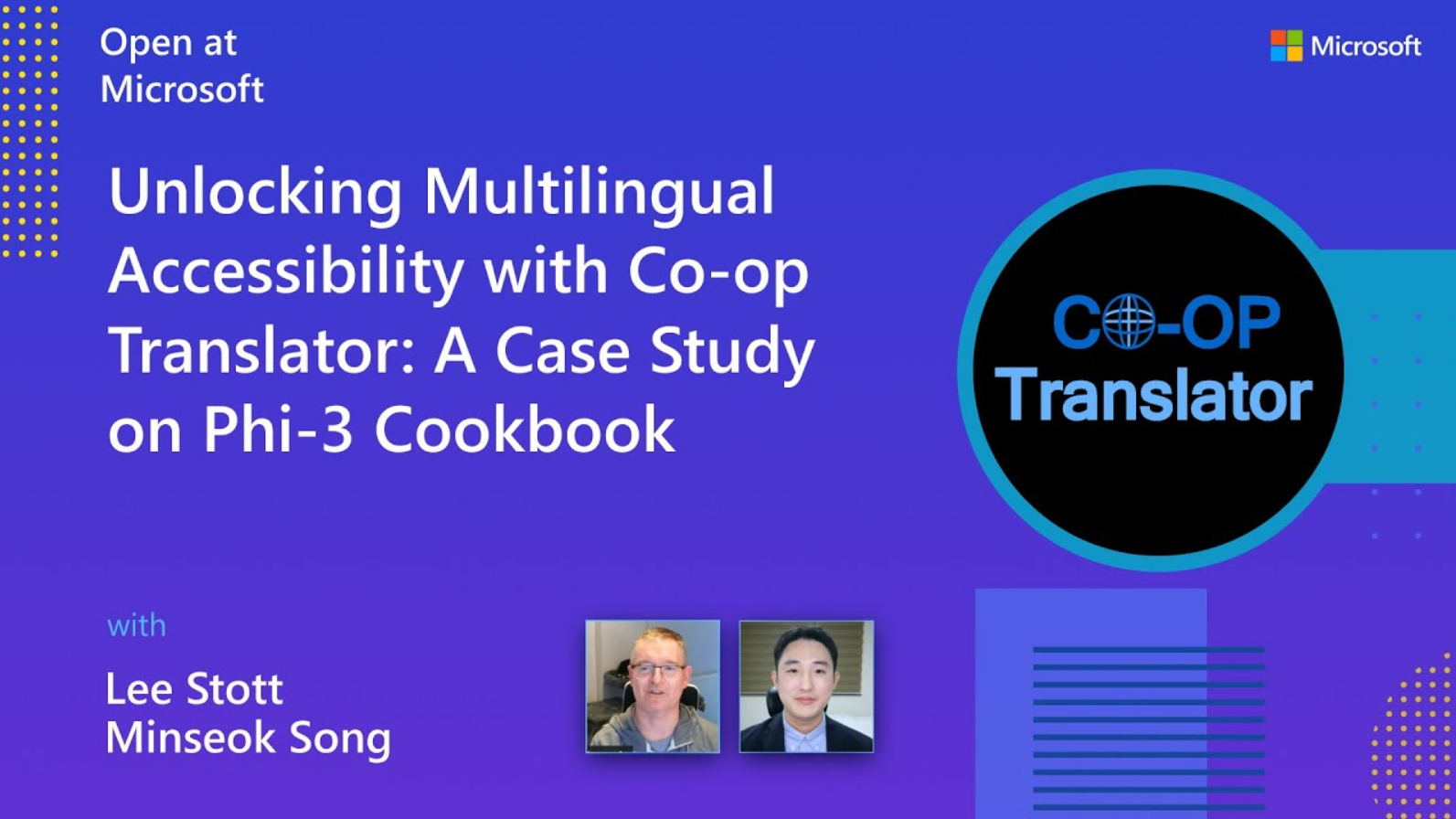
Co-op Translator: from proof of concept to Azure open source.

What began as a translation experiment grew into workflows for Markdown, notebooks, and images, with change detection, failure handling, and reviewable results. I bring those maintenance lessons into training and solution design.

Used in learning projects including AI Agents for Beginners, Generative AI for Beginners, and PhiCookBook.

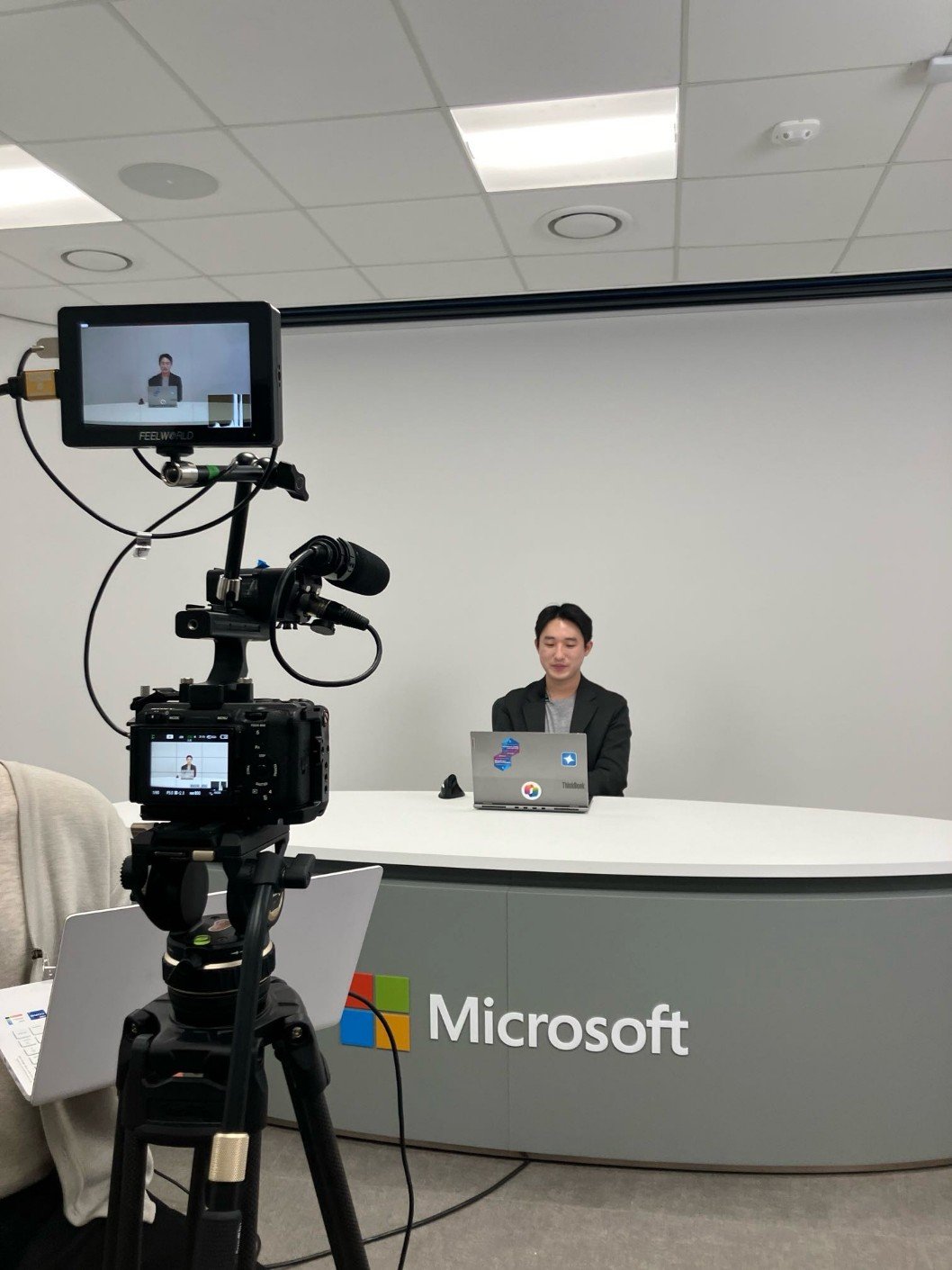
Minseok Song recording technical content at Microsoft
Recording technical content at Microsoft

SELECTED TALKS

See how I explain the work.

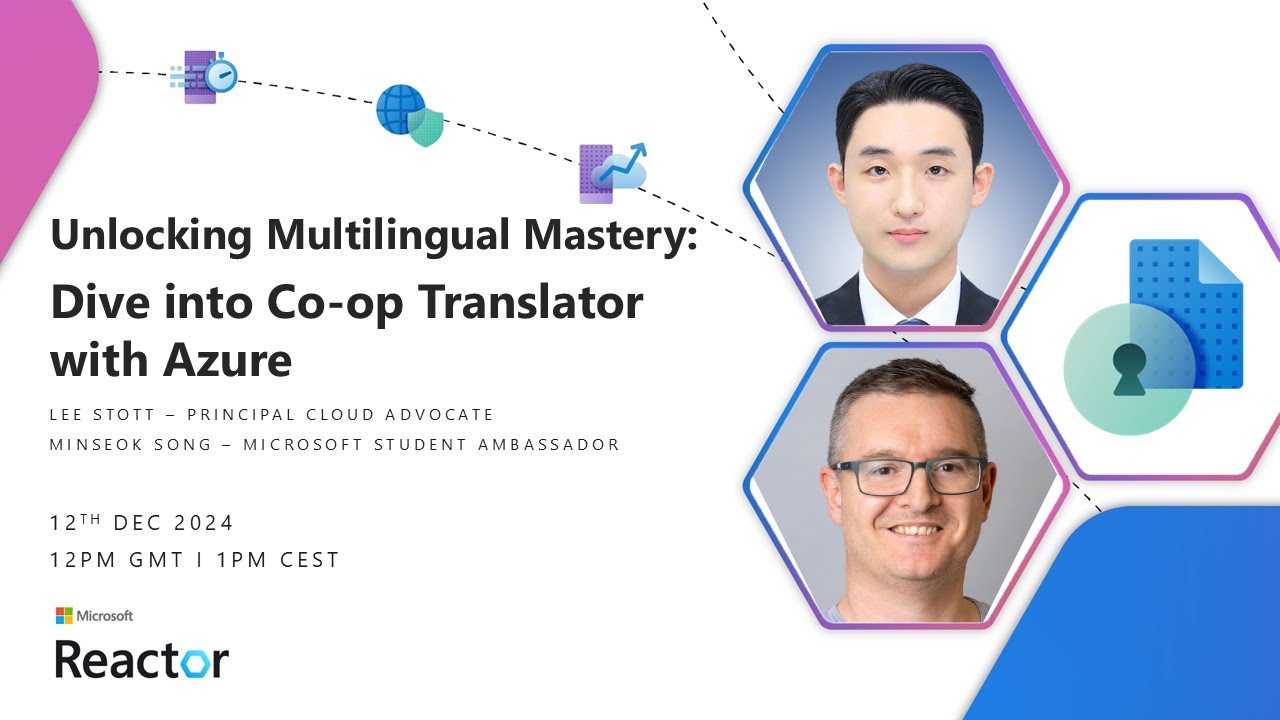
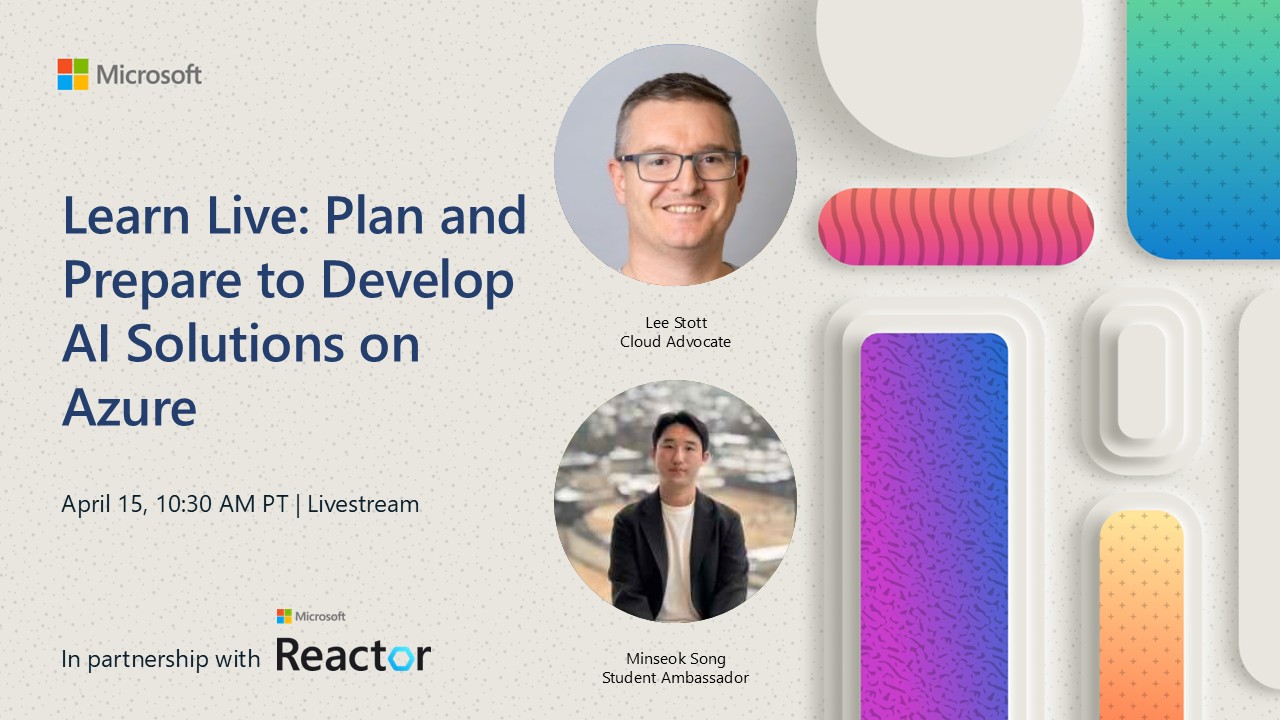
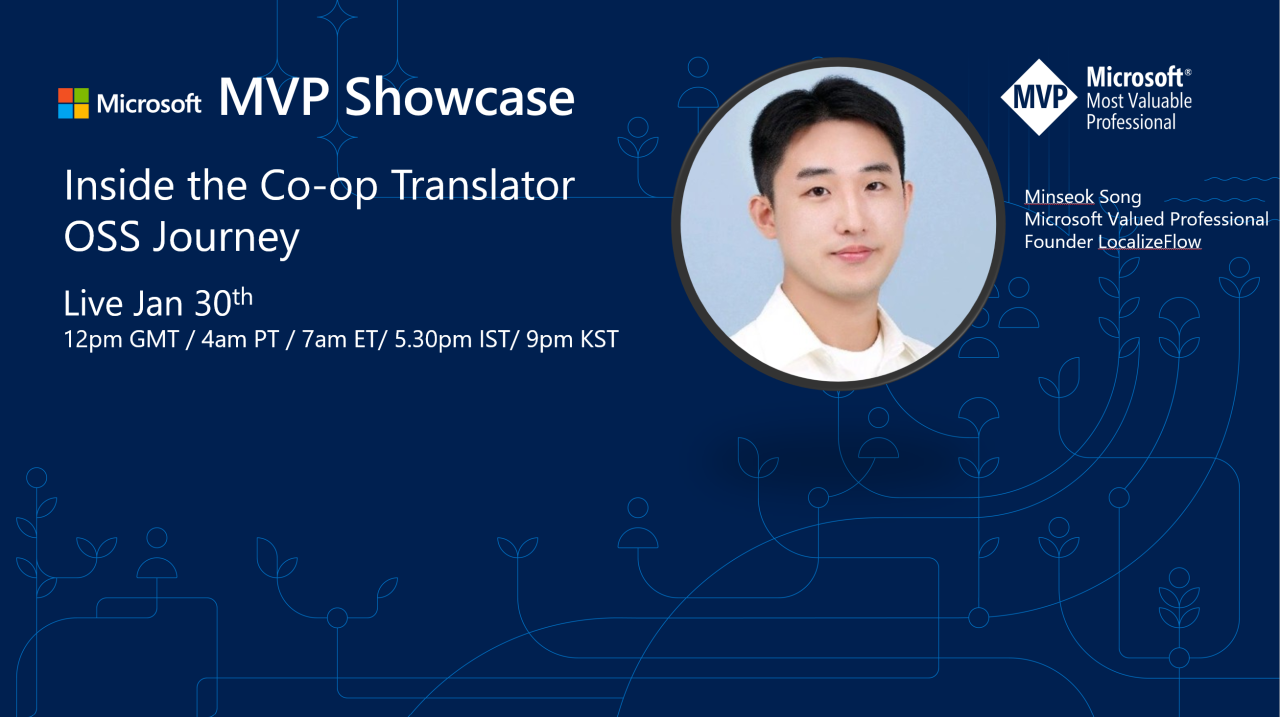
Public sessions on Microsoft channels and in its community. Explore recordings and recaps to see the topics and teaching approach.

These are public speaking and community activities, not a Microsoft training certification or employment relationship.

See all talks
Minseok Song

INSTRUCTOR

Minseok Song

Minseok Song is an AI & Automation Consultant specialising in Microsoft-based workflow automation and AI solutions. A Microsoft MVP, he developed Co-op Translator from its initial proof of concept and maintains it as an Azure open-source project supporting documentation translation across around 20 Microsoft learning projects. His teaching includes LG Uplus Power Platform training through Team Sparta and Azure AI developer workshops. He has presented on Open at Microsoft, Microsoft Reactor, Microsoft Learn Live, and the Microsoft Foundry Discord MVP Showcase.

A short speaker bio for event and training introductions.

  • Microsoft Foundry
  • Azure AI
  • Power Platform
  • Copilot
  • Power Automate
  • Power Apps

Who are we teaching?

Tell me who the training is for and what they want to do. Dates, group size, and budget can be agreed later.

Prefer email? You can write to me directly.

minseok.song@mssong.com

Send a training enquiry

Share your name and organisation, reply email, and training goals. No Microsoft sign-in is required.

Open enquiry form

Microsoft Forms opens in a new tab

Your submission is stored in Minseok Song’s Microsoft 365 account and used to review and reply to your training enquiry. Please do not include sensitive information or company secrets.

Complete the form on this page

If the form does not display, use the button above to open it in a new tab, or enquire by email.

  1. Understand the audience

    Discuss roles, experience, and what participants want to do after the session.

  2. Agree on scope and setup

    Define exercises, timing, accounts, licences, and other prerequisites.

  3. Build and review

    Review participants’ work and discuss considerations for applying it to real tasks.